
The Hisense ConnectLife App: Control Your Aircond From Your Phone — Full Setup Guide
August 11, 20262 min read
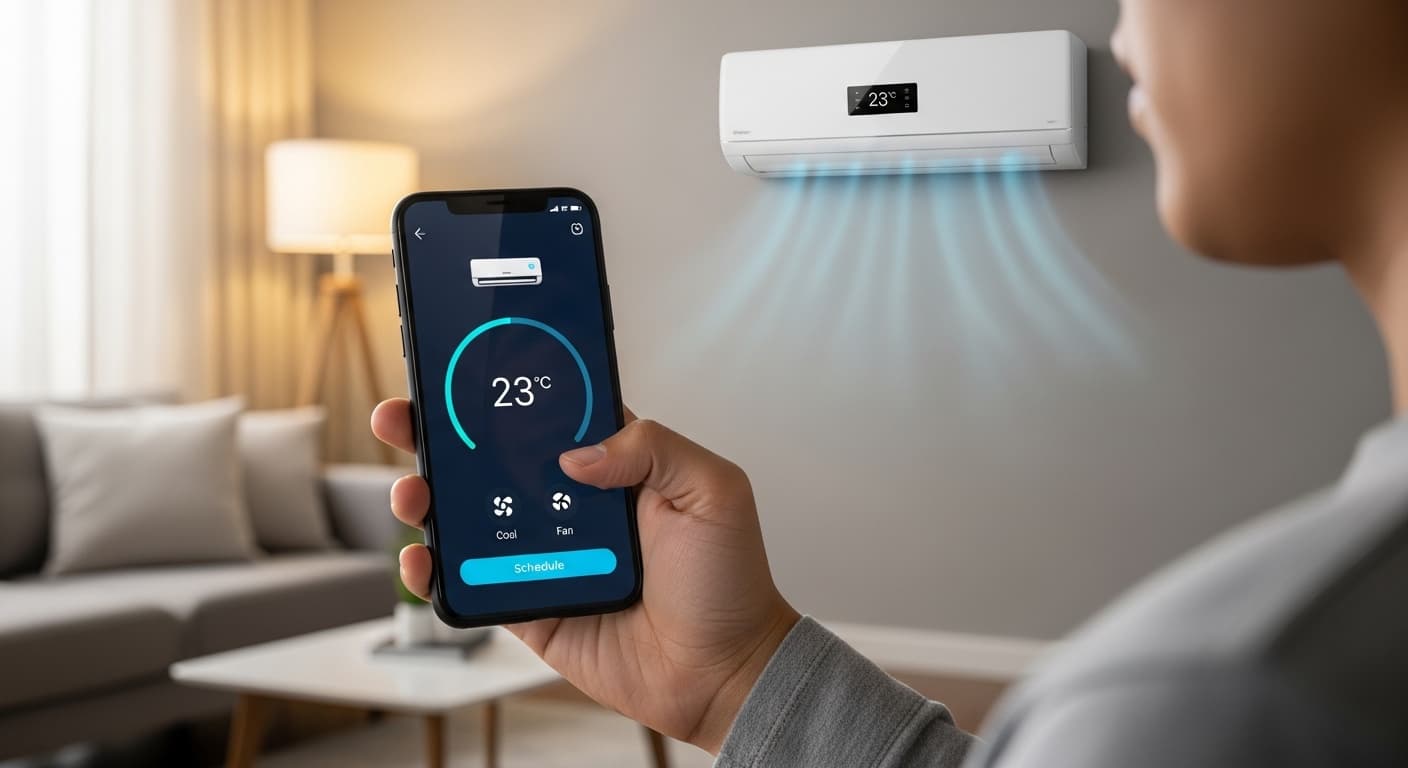
Switch the unit on before you get home. Set automatic schedules. Track your energy use. All from your phone.
What Is the ConnectLife App?
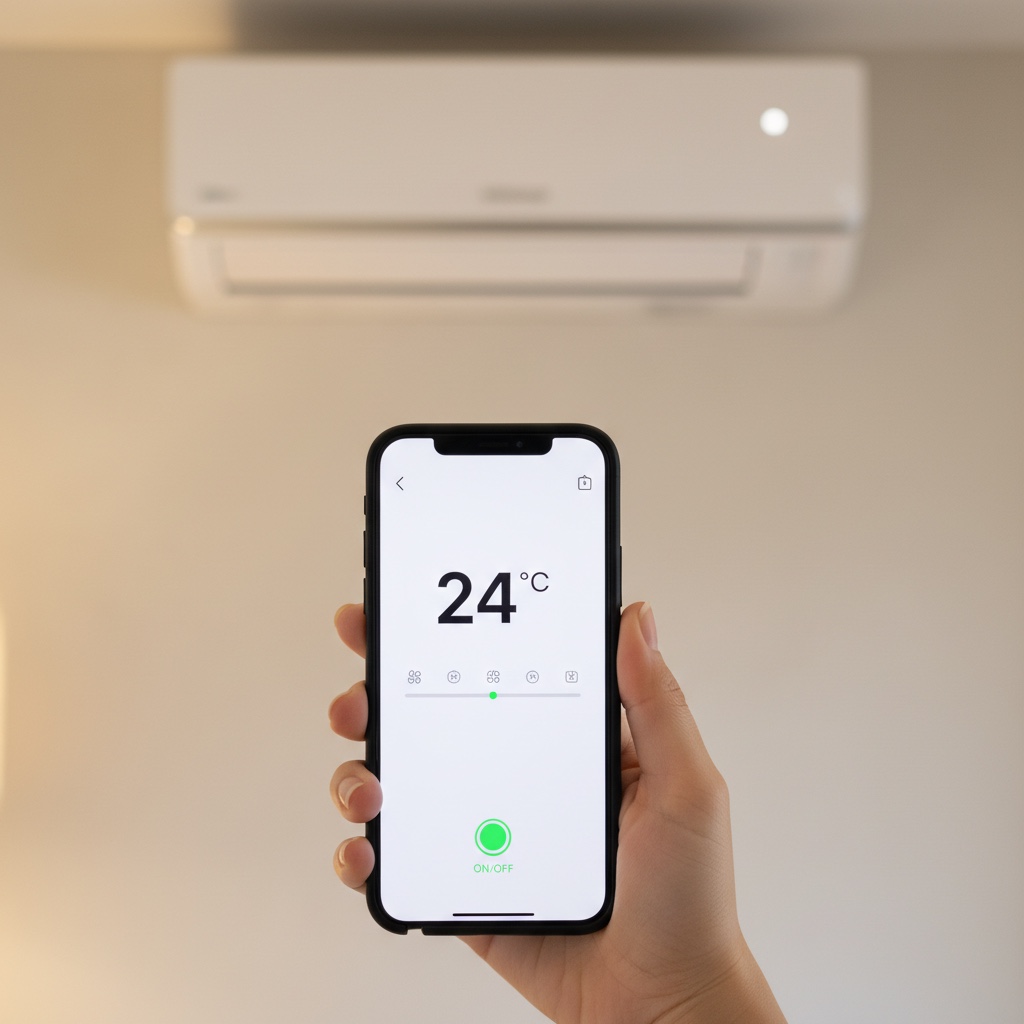
ConnectLife is the free Hisense app that lets you control your air conditioner from your smartphone. It is available for both iOS and Android.
What Can It Do?
The app is more than a digital remote. These four functions are the ones our customers reach for every day:
1. Remote Control
- Switch the unit on or off from anywhere
- Set an exact temperature from your phone
- Change mode (Cool, Fan, Dry, Auto)
2. Smart Scheduling
- Set automatic on and off timers
- Build daily or weekly schedules
- For example: on at 6pm before you get home, off at 7am after you leave
3. Energy Monitoring
- See your electricity use in real time
- Daily, weekly and monthly reports
- Spot the hours where usage peaks
4. Voice Control
- Works with Google Assistant and Amazon Alexa
- "Hey Google, turn on the bedroom aircond"
- "Alexa, set the aircond to 24 degrees"
How to Set ConnectLife Up
Setup takes under five minutes and only has to be done once per unit:
Step 1: Download the App
- Search for "ConnectLife" on the App Store or Google Play
- Download it and open it
- Register an account with an email address or phone number
Step 2: Connect to WiFi
- Make sure your Hisense unit is a WiFi-enabled model
- Press the WiFi button on the remote (usually a small button near the bottom)
- The WiFi light starts blinking
Step 3: Add the Device
- In the app, tap "+" to add a new device
- Choose "Air Conditioner"
- Follow the prompts to join your home WiFi
Step 4: Start Using It
- The unit appears on your dashboard
- Control it straight from your phone
Models That Support ConnectLife
Not every Hisense model supports ConnectLife. Check this list before buying if phone control matters to you:
- Hisense Fresh Master (every capacity)
- Hisense Hi-Cool WiFi (selected models)
- Hisense Silentium Pro (selected models)
Pro Tips
- Home office — schedule it around your working hours and save on weekends.
- Homestay — cool the room before guests check in. A good first impression costs nothing.
- Office — hold 25°C through the day and switch off automatically after 7pm.
WhatsApp us if you need a hand setting ConnectLife up.